AI Screenshot Translator - Translate Any Screenshot Instantly
Translate text in screenshots across 130+ languages while preserving the original layout and style

Drag & Drop your image here
JPG, JPEG, PNG, WebP files supported.
By uploading, you confirm you have the right to use this image. See our Terms.
Use Case
Explore what can be done with Image Translate AI
Translate comics and manga effortlessly.
Preserve the original art style while translating speech bubbles and text boxes in your favorite comics and manga. Our AI maintains layout integrity for a seamless reading experience.
Try Now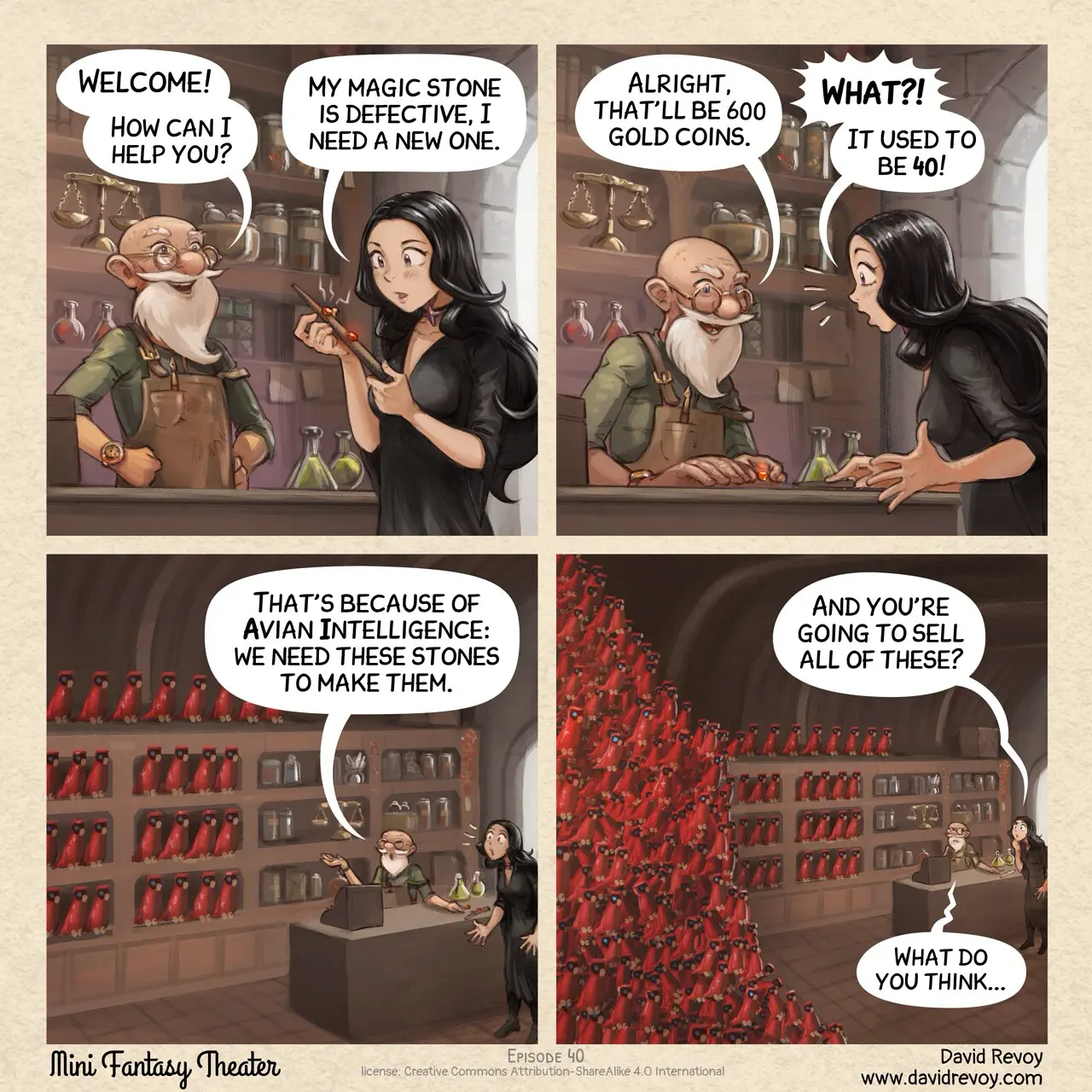

How to Translate Screenshots with AI Screenshot Translator
Use our AI screenshot translator to translate any screenshot in just 3 simple steps
Upload Your Screenshot
Click to upload or drag and drop any screenshot containing text into our screenshot translator.
Select Languages
Choose the source and target language for your screenshot translation. Our AI supports 130+ languages with automatic source language detection.
Download Translated Screenshot
Get your translated screenshot with text replaced while preserving the original layout, fonts, and styling.
Why Choose Our AI Screenshot Translator
Experience the most advanced AI screenshot translator technology. Accurate, fast, and layout-preserving.
AI-Powered Screenshot Translation
Our AI screenshot translator accurately detects and translates text in screenshots, understanding context for natural, fluent translations across 130+ languages.
Layout Preservation
The screenshot translator maintains the original screenshot layout, fonts, and styling. Our AI seamlessly replaces text while keeping your visual design intact.
Lightning Fast
Get translated screenshots in seconds with our screenshot translator. Our optimized AI algorithms deliver professional results with minimal waiting time.
Multi-Platform Support
Translate screenshots from any device - Windows, Mac, iPhone, Android, or web. Our screenshot translator handles all screenshot formats seamlessly.
Powerful Screenshot Translator Features
Everything you need in a screenshot translator for any language
Smart Text Detection
Our screenshot translator uses advanced AI to automatically detect all text in screenshots, including UI elements, menus, dialogs, and embedded text.
Multi-Format Support
The screenshot translator supports all common image formats including JPG, PNG, WebP. Upload from your device or paste a screenshot URL directly.
Instant Processing
Get your translated screenshots in seconds with our screenshot translator. Our optimized pipeline ensures fast processing without compromising quality.
Pricing
Choose the plan that works best for you. Cancel anytime.
- Batch Image Translator
- Grok
- Gemini
- Deepseek
- KimiNew
- ChatGPT
- Claude
- Flux Kontext
- Personal use only
Starter
- Batch Image Translator
- Grok
- Gemini
- Deepseek
- KimiNew
- ChatGPT
- Claude
- Flux Kontext
- Full support
- Commercial use
Professional
- Batch Image Translator
- Grok
- Gemini
- Deepseek
- KimiNew
- ChatGPT
- Claude
- Flux Kontext
- Priority custom support
- Commercial use
Enterprise
- Batch Image Translator
- Grok
- Gemini
- Deepseek
- KimiNew
- ChatGPT
- Claude
- Flux Kontext
- 1v1 custom support
- Commercial use

All payments are securely processed by Stripe.
If you have any questions, please contact us at [email protected]
Screenshot Translator FAQ
Find answers to common questions about our AI screenshot translator and screenshot translation
How does the screenshot translator work?
Our AI screenshot translator uses advanced OCR technology to detect text within your screenshots, then translates it to your target language while preserving the original layout and design. Simply upload a screenshot, select your languages, and get the translated result in seconds.
How to translate a screenshot?
To translate a screenshot: 1) Upload the screenshot to our screenshot translator, 2) Select source and target languages, 3) Click translate. Our AI will automatically detect all text and translate it, preserving the original layout.
What screenshot formats are supported?
Our screenshot translator supports all common image formats including JPG, JPEG, PNG, and WebP. File size limits depend on your plan: Free users can upload up to 10MB, Starter up to 20MB, Professional up to 30MB, and Enterprise up to 50MB per image. Screenshots from any device are supported.
How many languages does the screenshot translator support?
Our AI screenshot translator supports 130+ languages, including English, Chinese, Japanese, Korean, Spanish, French, German, Portuguese, Arabic, Russian, and many more.
Can I translate app screenshots?
Yes! Our screenshot translator is perfect for translating app screenshots, game interfaces, software UI, chat messages, social media posts, and any other screenshot containing text.
Is the screenshot translator free to use?
Yes! Free registered users get 20 credits per day. Each screenshot translation uses 10 credits. Paid plans offer more credits and advanced features like batch translation.
Will screenshot quality be preserved after translation?
Yes, our AI preserves the original screenshot quality and resolution. The translated text is seamlessly integrated, maintaining visual integrity and readability.
What is the best screenshot translator?
ImageTranslate.AI is one of the best screenshot translator tools available online. It supports 130+ languages, preserves original layouts, offers batch processing, and provides multiple AI translation models for the best accuracy.
Ready to Translate Your Screenshots?
Start using our AI screenshot translator now. Translate app interfaces, game screenshots, chat messages, and more into any language instantly.
Explore More Tools
Discover all our powerful AI-powered image translation tools
Batch Image Translator
Translate multiple images to multiple languages at once
Manga Translator
Translate manga, comics, and graphic novels instantly with advanced AI
OCR
Extract text from images with multi-language recognition, supporting various image types, layout analysis, and precise position detection
Text Translator
Translate text to any language instantly with advanced AI models
Image to Text Converter
Extract image to text instantly and translate it to any languages
Text Remover
Remove text from images instantly to erase words, watermarks, or captions in seconds