Image Translator Extension
Right-click an image on any webpage to translate it. The translation replaces the original on the page.

- 2 free translations a day without an account
- 130+ languages
- Uses your ImageTranslate.AI account



How to Translate an Image in Chrome
- 1
Right-click an image
Any image on a webpage.
- 2
Choose “Translate this image”
The extension’s menus are in English.
- 3
Read it in place
Download it, open it in the editor, or switch back to the original from the corner of the page.
Pin the extension from Chrome’s puzzle-piece menu to reach its settings.
Add to ChromeWhat You Can Translate
Each has a translation mode, set in the popup.
Manga, manhwa and webtoons
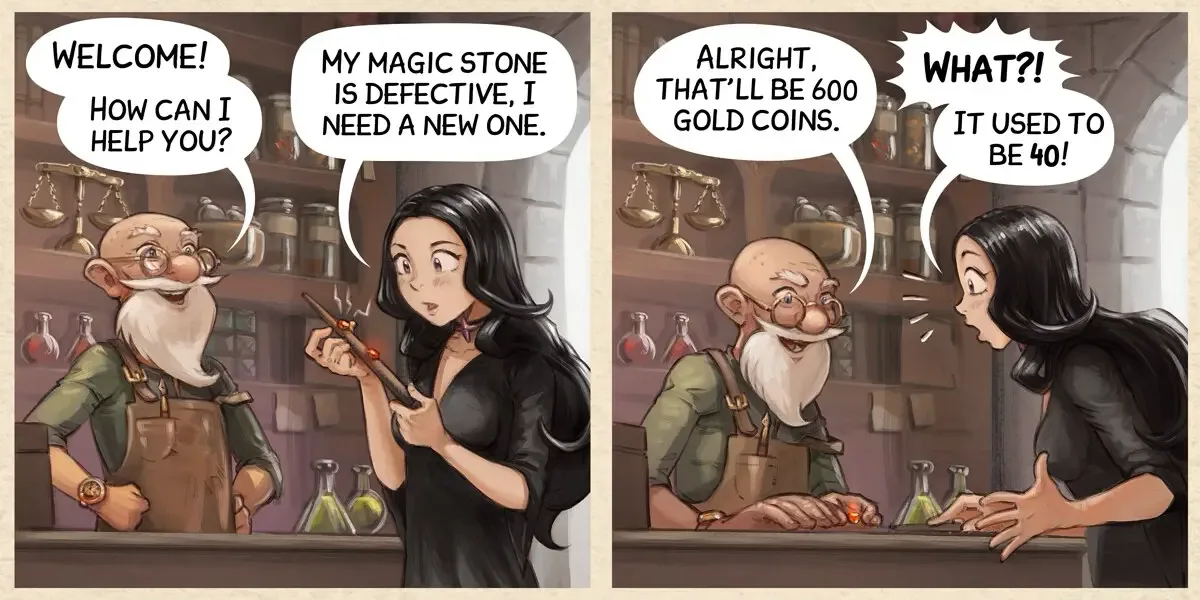
Speech bubbles are translated; the artwork stays as it is.
Translate full chapters on the websiteManga mode
Foreign online stores
Product photos, size charts and spec sheets.
E-commerce modePaid plans
Screenshots, memes and posts
Text inside images that can’t be copied.
General mode
Light novels and text-heavy images
Long passages, illustrated pages and infographics.
Light Novel modePaid plans
Extension Settings
Click the extension icon to see your credits and change these settings.
Target language
Defaults to your browser language. 130+ languages.
Source language
Detected automatically.
Translation mode
General, Manga, E-commerce or Light Novel.
AI model
Switch models and translate the same image again.
Custom instructions
Names, tone or terms for the AI to keep. Paid plans.
The most advanced AI models
- Grok
- Gemini
- Deepseek
- Kimi
- ChatGPT
- Claude
Grok is free. Paid plans include all models.
Extension vs. Website
Same account, credits and translation quality.
| Feature |  Chrome extension Chrome extension | Website |
|---|---|---|
| How you start | Right-click an image on a page | Upload or paste an image |
| Images at a time | One | Many, with batch translation |
| Where the result appears | On the page, in place of the original | On imagetranslate.ai |
| Edit the translated text | Edit button opens the online editor | Online editor (Professional and Enterprise plans) |
| OCR, text remover, image to text | No | Yes |
| Without an account | 2 free translations a day | 2 free translations a day |
| Credits and history | Shared | Shared |
For many images at once, use the Batch Image Translator.
Free Use and Credits
The extension uses your ImageTranslate.AI account. There is no separate plan.
No account
2 translations a day
Shared with the website.
Free account
20 credits a day
10 credits per translation, 2 a day. Translations are saved to your history.
Permissions and Privacy
Every permission the extension uses, and why.
| Permission | Used for |
|---|---|
contextMenus | Adds “Translate this image” to the right-click menu. |
activeTab | Accesses the current tab only after you choose the menu item. |
scripting | Shows progress and places the translated image on the page. |
storage | Stores your language, mode and model settings locally. |
imagetranslate.ai | Sends translation requests to imagetranslate.ai with your account. |
- Does nothing until you choose “Translate this image”.
- Doesn’t read pages or track browsing history.
- Doesn’t request access to all websites.
- Sends only the image address and the page address.
At install, Chrome asks for one permission: read and change your data on imagetranslate.ai.
Extension privacy policyNot Supported Yet
The extension handles JPG, PNG, WebP and AVIF images loaded from a link. It can’t translate:
Save or screenshot the image and use the image translator or screenshot translator instead.
- Images embedded in the page code (data: and blob:)
- Images that require sign-in or block downloads
- Chrome pages, such as Settings and the Chrome Web Store
- Background images, canvas and video
FAQ
Image translator extension
Is the image translator extension free?
Yes. Without an account you get 2 free translations a day. A free account adds daily credits and a history. Paid plans add more credits and all AI models.
Do I need an account?
No. If you’re signed in to imagetranslate.ai in Chrome, the extension uses that account.
Which languages does it support?
130+ target languages. The source language is detected automatically and the target defaults to your browser language. The extension’s interface is in English.
Does it work on manga and webtoon sites?
On sites that show pages as regular images. Readers that draw pages on a canvas or block downloads aren’t supported; save the page and translate it on the website.
Why does it say an image can’t be translated?
The image is embedded in the page code, requires sign-in, is on a Chrome page, or has no text. It also stops after the day’s free translations.
Where are my translations saved?
If you’re signed in, in Image History on imagetranslate.ai.
Which browsers does it support?
Google Chrome on desktop. There is no Firefox or Safari version.
What data does the extension send?
When you request a translation, the image address and the page address go to imagetranslate.ai. It doesn’t collect browsing history. See the extension privacy policy.