Translate PDF Online Free
Translate PDF files page by page with AI. The translation is placed back on each page, and you download a PDF with the original page sizes.
Drop a PDF here
How to Translate PDF Files
Translate PDF documents in three steps. Nothing to install.
- Step 1
Upload your PDF
Drop a PDF of up to 200 MB here or choose one from your device. You can translate PDF pages 20 at a time, starting from any page.
- Step 2
Choose the languages
Leave the source language on auto-detect or pick it yourself, then choose the language you want to translate PDF text into.
- Step 3
Translate and download
Click Translate to translate PDF pages one by one, then download the translated PDF. Any page that wasn't translated keeps the original.
Translate PDF Pages and Keep the Layout
A page from a research paper, translated from English into Traditional Chinese. When you translate PDF pages, headings, paragraphs and line spacing stay in place, and the downloaded PDF keeps the original page size.
Translate PDF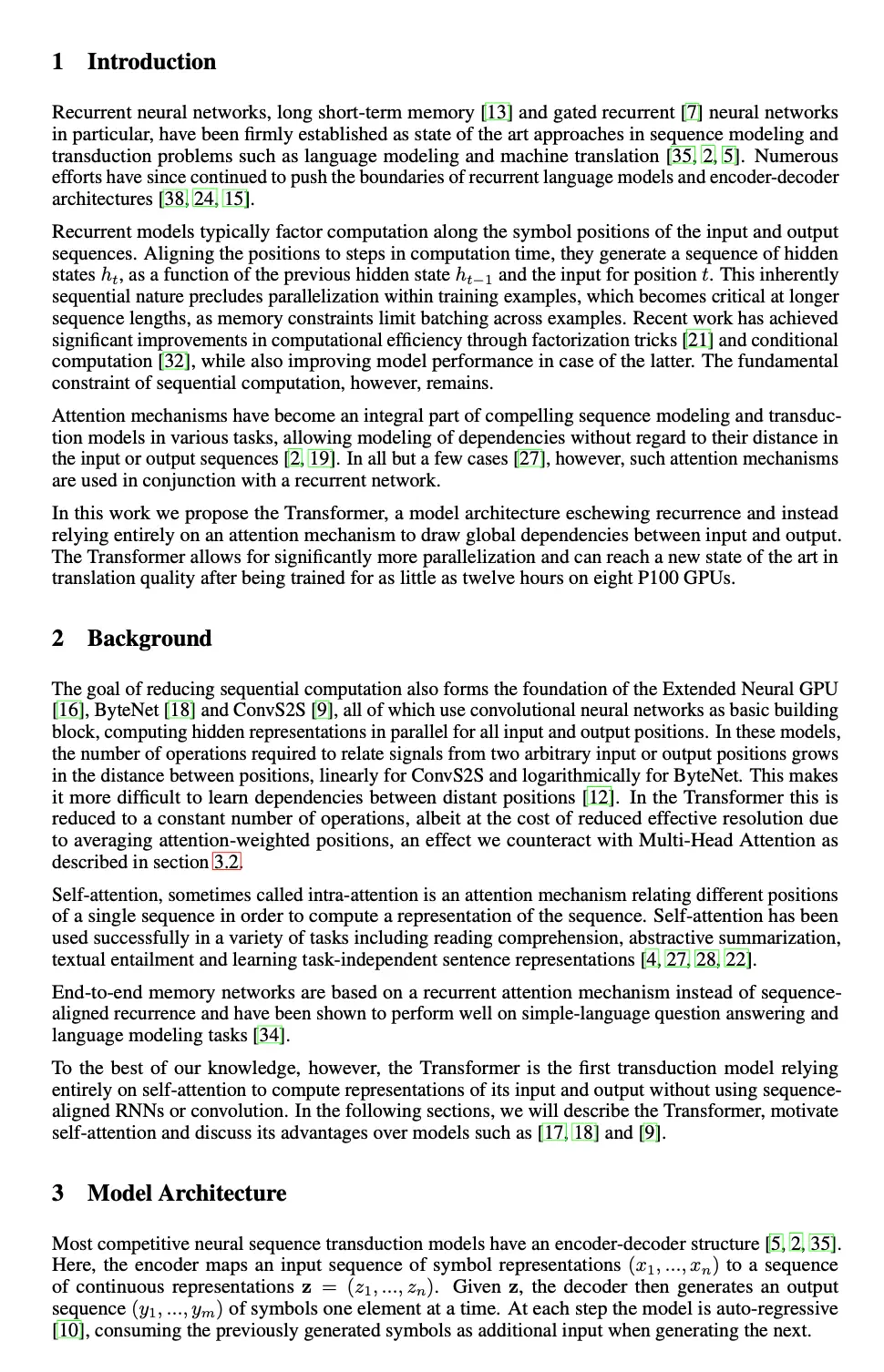

Why Translate PDF with ImageTranslate.AI
Made to translate PDF files where the text is part of the page image.
Layout stays in place
We translate PDF text where it sits on the page and redraw it there, so pictures, panels and tables don't move.
Scanned PDFs work
Scans and photographed pages have no text layer, so text-only tools can't read them. Here you translate PDF scans the same way as digital files.
Original page sizes
When you translate PDF files, each page of the download keeps the size and orientation of the original, rotated pages included.
100+ languages
Translate PDF content into English, Spanish, Japanese, Arabic and more than 100 other languages.
A mode for each kind of document
Use Manga mode to translate PDF comics, E-commerce mode for product sheets, and General mode for everything else.
Blank pages are skipped
Empty pages are left as they are and cost no credits, so you only pay to translate PDF pages with content.
Translate Scanned PDFs
A scanned PDF is a set of page images with no text layer, so tools that only read a PDF's text have nothing to work with. Here every page is read as an image, so you can translate PDF scans the same way as digital files.
Text is found on the page
Text is detected on each page image, even when the PDF has no text layer at all.
Translated in place
Each block of text is translated and drawn back where it was, over a cleaned background.
Mixed files work too
Translate PDF files that combine typed pages, scans and photos. Every page is handled the same way.
Translate PDF Files of Any Kind
Common reasons people translate PDF documents here.
Manga and comics
Translate PDF manga, webtoons and comic chapters. Speech bubbles are cleaned and filled with the translation.
Scanned documents
Translate PDF scans of letters, forms, certificates and other printed pages saved as images.
Manuals and catalogs
Translate PDF manuals, spec sheets and catalogs where text is mixed with photos and diagrams.
Study materials
Translate PDF slides, worksheets and textbook pages so you can read them in your own language.
Translate PDF to Any Language
Translate PDF files into any of these, or into one of 100+ other languages.
- Translate PDF to English
- Translate PDF to Spanish
- Translate PDF to Chinese
- Translate PDF to Japanese
- Translate PDF to Korean
- Translate PDF to French
- Translate PDF to German
- Translate PDF to Portuguese
- Translate PDF to Russian
- Translate PDF to Arabic
- Translate PDF to Turkish
- Translate PDF to Vietnamese
Translate PDF for Free
To translate PDF pages you spend 10 credits per page, the same as one image.
No account
Translate PDF pages free, up to 2 pages a day. Keep the tab open until the pages are done.
Free account
Get 20 free credits every day, enough for 2 pages. Every PDF you translate is saved to PDF History.
Paid credits
Translate PDF ranges of up to 20 pages in the background. Close the tab if you like and download the PDF from PDF History later.
Pricing
Choose the plan that works best for you. Cancel anytime.
- Batch Image Translator
- Grok
- Gemini
- Deepseek
- KimiNew
- ChatGPT
- Claude
- Flux Kontext
- Personal use only
Starter
- Batch Image Translator
- Grok
- Gemini
- Deepseek
- KimiNew
- ChatGPT
- Claude
- Flux Kontext
- Full support
- Commercial use
Professional
- Batch Image Translator
- Grok
- Gemini
- Deepseek
- KimiNew
- ChatGPT
- Claude
- Flux Kontext
- Priority custom support
- Commercial use
Enterprise
- Batch Image Translator
- Grok
- Gemini
- Deepseek
- KimiNew
- ChatGPT
- Claude
- Flux Kontext
- 1v1 custom support
- Commercial use

All payments are securely processed by Stripe.
If you have any questions, please contact us at [email protected]
Frequently Asked Questions
Answers to common questions about how to translate PDF files.
How do I translate PDF files for free?
Upload the PDF on this page, pick the languages and click Translate. Without an account you can translate PDF pages free, 2 a day. A free account gets 20 credits a day, which covers 2 pages.
Can I translate PDF to English?
Yes. Set English as the target language. You can also translate PDF files from English into more than 100 other languages.
Can I translate a scanned PDF?
Yes. Every page is read as an image, so scanned and photographed pages work like digital ones. That is the main reason to translate PDF scans here rather than with a text-only translator.
Does the translated PDF keep the original layout?
When you translate PDF pages, the translation is drawn back onto each page where the original text was, and every page keeps its original size. Images and backgrounds stay in place.
Can I select or copy text in the translated PDF?
No. The downloaded file is an image-based PDF, so its text can't be selected or searched. If you need the text, run the pages through our OCR tool.
How many pages can I translate at once?
Up to 20 pages per run. For longer files, translate PDF pages in ranges: when one range is done, choose the next.
How much does it cost to translate PDF pages?
Each page costs 10 credits, the same as one image. Blank pages are skipped and cost nothing.
Where do I find my translated PDFs?
When you're signed in, each PDF you translate is saved to PDF History, where you can follow progress and download it again. Without an account, download the PDF before you leave the page.
Can I translate PDF on my phone?
Yes. You can translate PDF files in mobile browsers on iPhone and Android. Choose the PDF from your files and download the result the same way.
Can I translate password-protected PDFs?
Not yet. Remove the password first, then upload the file again to translate PDF pages as usual.
Is it safe to translate PDF files here?
The PDF opens in your browser and is not uploaded as a whole. Only the pages you translate are sent, as images. If you're signed in, results are kept in your account so you can download them again.
Why can't some translators handle scanned PDFs?
Many document translators read the text layer inside a PDF. Scanned pages are images and have no text layer, so there is nothing for them to read. To translate PDF scans, the text has to be recognized from the page image first, which is what this tool does.
How can I translate the text in a PDF?
To translate PDF text, upload the file here, choose the target language and click Translate. The translation is placed back on each page and you download a PDF. If you need the original text as plain text, use our OCR tool.
Can I translate PDF files without signing up?
Yes. Without an account you can translate PDF pages free, up to 2 pages a day. Sign up to get 20 free credits every day and keep your translated PDFs in PDF History.
Explore More Tools
Discover all our powerful AI-powered image translation tools
Image Translator
Instantly translate image text across 130+ languages
Batch Image Translator
Translate multiple images to multiple languages at once
Manga Translator
Translate manga, comics, and graphic novels instantly with advanced AI
OCR
Extract text from images with multi-language recognition, supporting various image types, layout analysis, and precise position detection
Text Translator
Translate text to any language instantly with advanced AI models
Image to Text
Extract image to text instantly and translate it to any languages
Text Remover
Remove text from images instantly to erase words, watermarks, or captions in seconds